
Frequently asked questions
Quick answers about users, plans, devices, languages, e-signatures, checks, online payments, QuickBooks and your data.
Short answers to the questions shop owners ask most. Each answer links to the full article.
Getting started
How do I sign up?
There's no sign-up form. Book a demo on our website, and SlabBoard sets up your shop for you. The owner then gets an email with a link to set a password. Your shop starts with a price book, lead sources and two crews, so most shops send their first quote the same day. See the First day checklist.
Can you bring in my existing customers and price list?
There's no import tool in SlabBoard yet. Most shops add customers as they quote them. Your price book starts with 21 common items you can edit, and materials are quick to add, with a bulk price change for supplier increases. See Price book and materials.
Users and plans
Do you charge per user?
No. Every plan includes unlimited users. Give every templater, installer and shop worker their own login. See Team members and roles.
What plans are there?
Three: Basic, Pro and Premium. Basic covers quotes with e-signature and drawing, jobs, scheduling, the field app, invoices and check tracking. Pro adds slab layout with customer approval, inventory, production, online payments, SMS and translated field notes. Premium adds automatic slab layout, DXF, AI takeoff, multiple locations and reports. Contact us for pricing. See Plans and billing.
How do I upgrade, downgrade or cancel?
Go to Settings → Plan & billing and click Contact us to change plan. We switch your plan the same day.
Can I keep prices away from my crews?
Yes. Templaters, installers and fabricators don't see job prices unless you turn on Show job prices to the field crew in Company settings.
We have more than one shop. Does that work?
Yes. On Premium you can add Locations and tag each job with one. A person can also belong to more than one SlabBoard shop with the same login and switch between them.
Devices and languages
What devices does SlabBoard work on?
Any device with a current web browser and an internet connection: Windows or Mac computers, iPads and tablets, iPhones and Android phones. There's nothing to download from an app store. On phones, tap Install app to add SlabBoard to your home screen.
Does the field app work without signal?
No. The field app needs an internet connection. If a site has no signal, take photos with the phone's camera and upload them with Add photos once you're back online.
What languages does the field app speak?
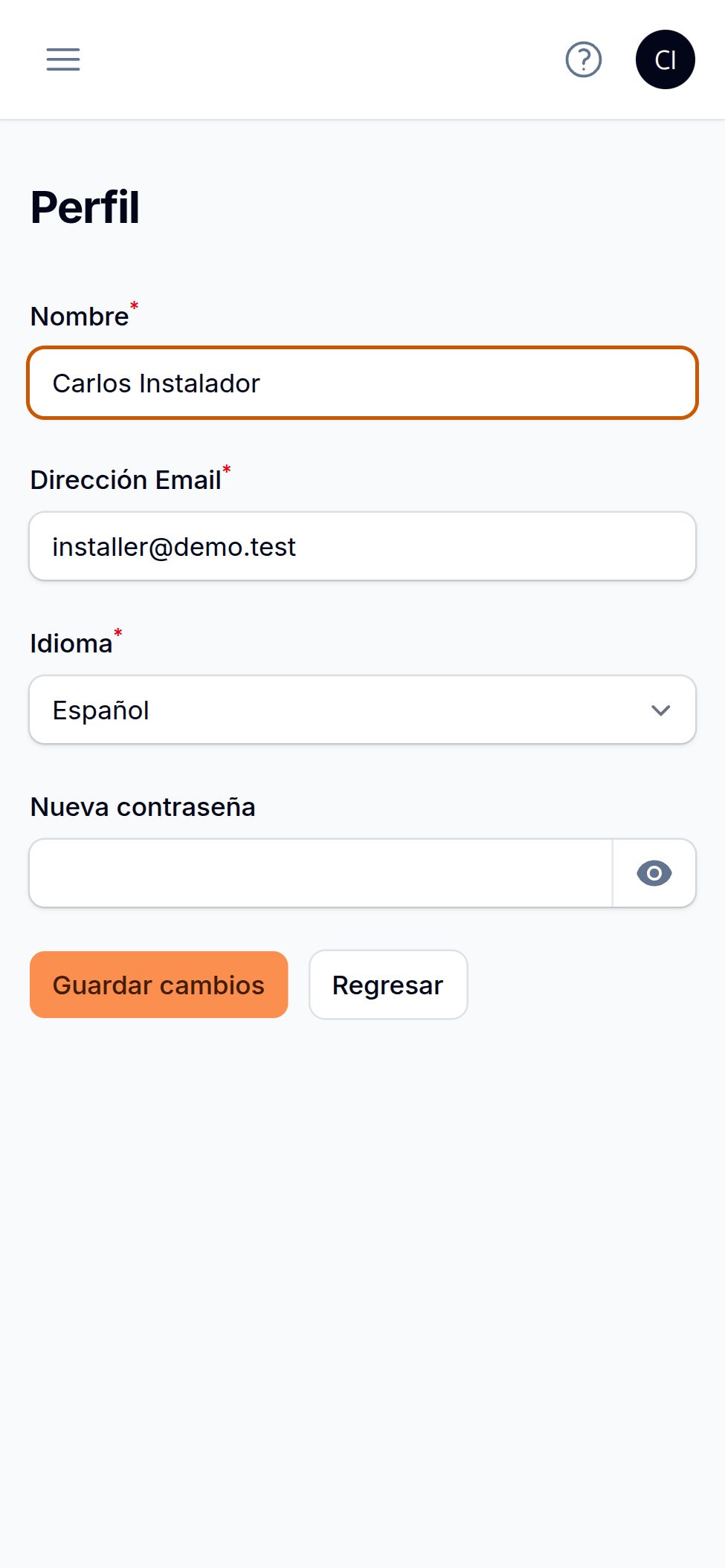
English, Portuguese and Spanish. Each person picks their language when you invite them, or later on their profile page. The office app is in English. See Get started with the field app.
Can my crew write notes in their own language?
Yes. On Pro and Premium, notes and punch items written in Portuguese or Spanish are translated to English for the office automatically, and the original is kept. See The field app on the job.
Customers
Do my customers need an account?
No. Customers get a link by email and open it on any phone or computer. No login, no password.
Can customers sign quotes online?
Yes, on every plan. The customer picks a material option, signs with a finger or mouse, and approves. SlabBoard creates the job and the deposit invoice right away. See Send a quote for signature.
Can customers approve the slab layout and change orders online?
Yes. Layout approval needs Pro or Premium. The customer sees the pieces on photos of their actual slabs and signs. Change orders can be approved or declined from their own link. See Send a layout for approval and Change orders.
Do you send text messages to my customers?
On Pro and Premium, SlabBoard can text appointment reminders the day before a visit. Quotes, layouts and invoices are sent by email. See Customer reminders.
Money
Most of our customers pay by paper check. Does SlabBoard handle that?
Yes. Record each check with photos of the front and back, group checks into a bank deposit, print a deposit slip, and mark checks cleared or bounced. Installers can collect a check on site from the field app. See Check tracking and Bank deposits.
Can customers pay online?
Yes, on Pro and Premium. Connect your own Stripe account and your invoice links get a Pay button for card or bank transfer (ACH). The money goes straight to your Stripe account. See Online payments.
Does SlabBoard connect to QuickBooks?
Not yet. QuickBooks sync is coming soon.
Your data
Who owns my data?
You do. Your customers, jobs, photos and financial records belong to your shop. SlabBoard processes them only to run the service, never sells them and never uses them for advertising.
Where is my data kept, and how is it protected?
In data centers in the United States. Each shop's data is kept apart, connections are encrypted, access is limited by role, and changes are recorded. Card and bank details for online payments go directly to Stripe; SlabBoard never sees them. See our Privacy Policy.
What happens to my data if I cancel?
You have 30 days after your subscription ends to get a copy. Then it's deleted, and backups are erased within 90 days. Contact support for your copy.
Still stuck?
See Troubleshooting, or email [email protected].
Still stuck?
Write to us and a real person will answer. [email protected]